Amazon Prime Video
Getting new features back on track for Amazon Prime Video's sports fans
I helped bring a few delayed feature releases back on schedule for Prime Video's live sports streaming while working as a product design consultant and technologist for the team.
The Situation
Workflow Enhancements
MV And AC Releases
Other Designs
Outcomes

The Situation: Key Features Stuck In A Backlog

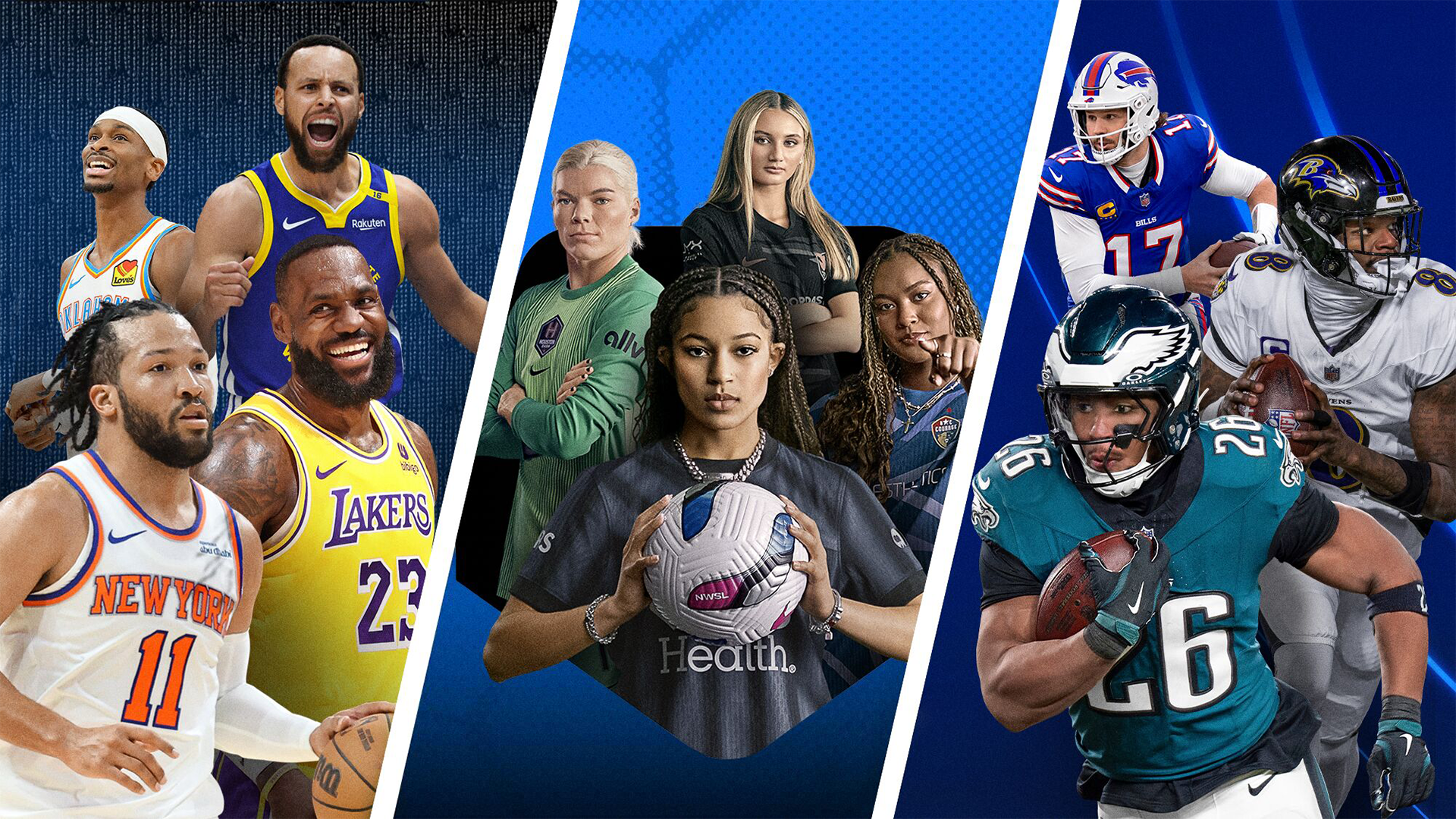
A busy fall season for sports was already underway, and Amazon Prime Video still had highly visible, high priority features for live sports streaming to release. Two of those features were customizable live stream multiview and augmented content for realtime stats, betting, and stream playback across mobile and living room platforms.

Motion design was the main bottleneck due to having only one in-house motion designer available. As a designer with motion design experience, I was able to join the project to help shorten the remaining timeline by half to get high priority releases back on schedule.
Enhancing The Motion Design System Workflow

Motion design isn't as common a task as static screen design, and there aren't many tools in Figma or other design apps to support handing-off animation data from designers to engineers. Adding to the lack of tools, motion design typically has more data to coordinate between the two functions.

So most of my effort at the beginning was focused on designing workflow and finding tools to "systematize" the process as much as possible to make things faster and more accurate when adding new features to our motion design system.

Creating motion designs
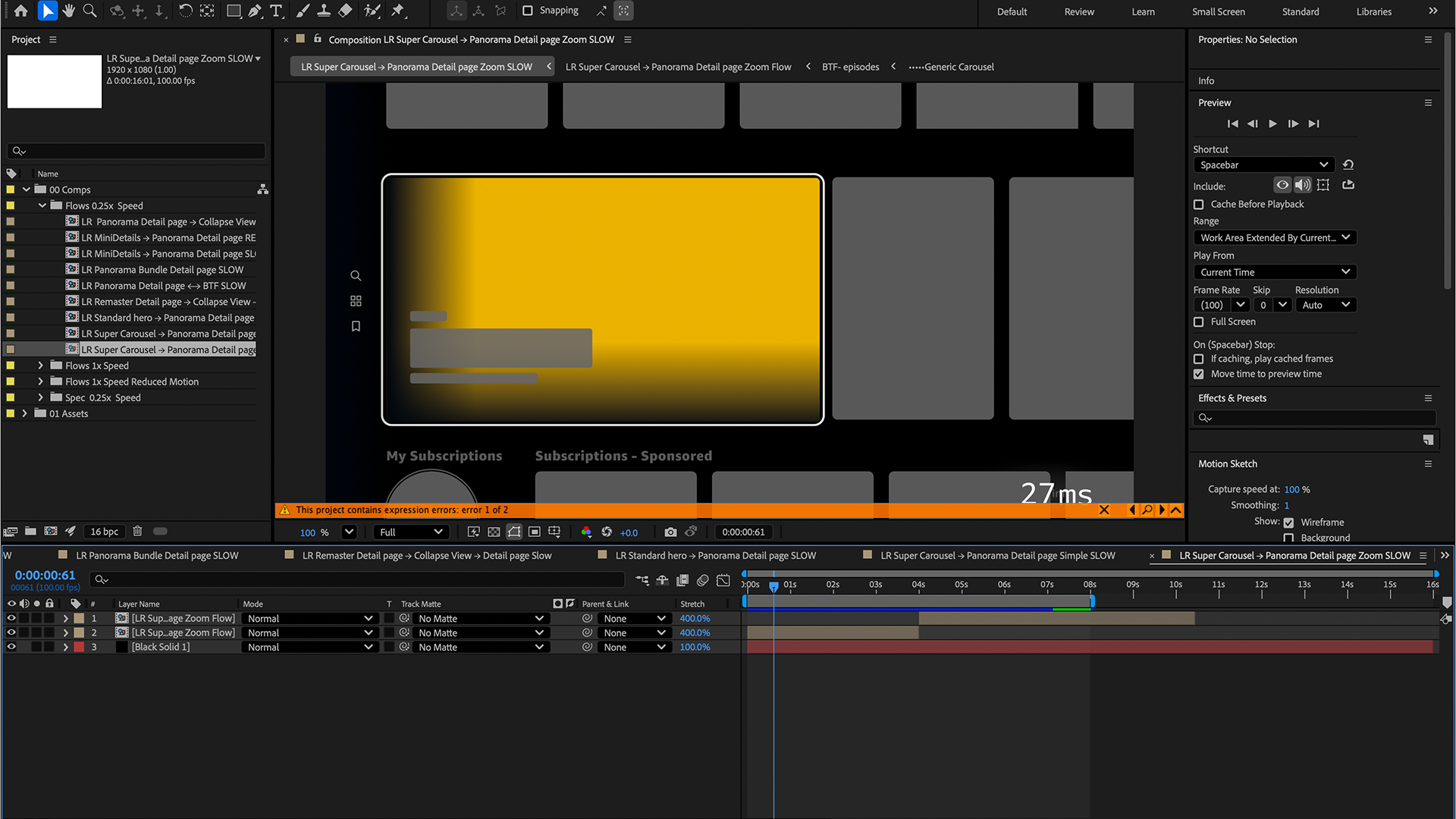
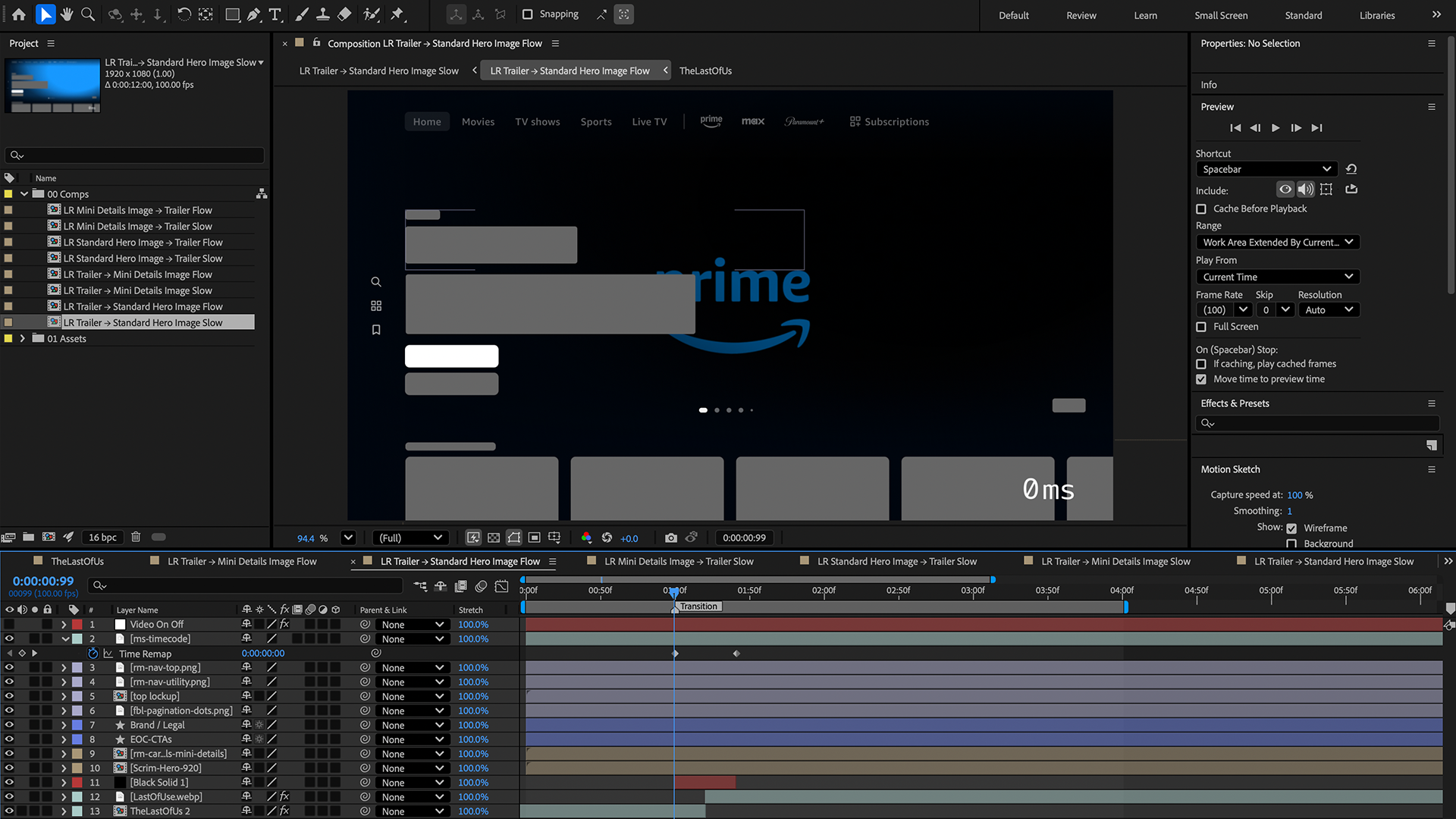
The first steps in adding a design to the motion system was reviewing UX designs to understand functionality, intent, etc., and then creating the appropriate animations in After Effects using a few custom plugins to generate easing curves that matched our design system tokens.
Cataloging and organizing the design system
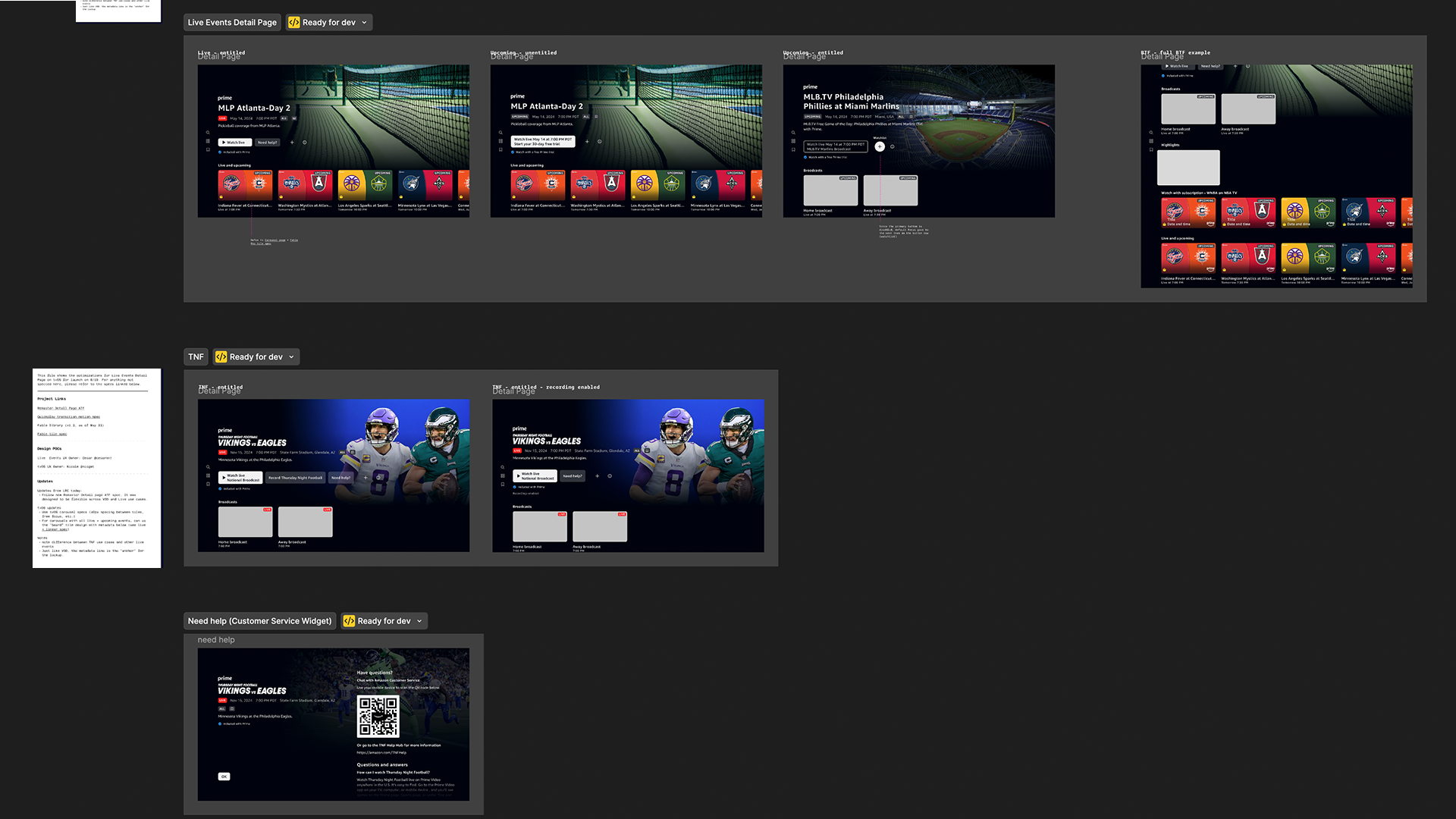
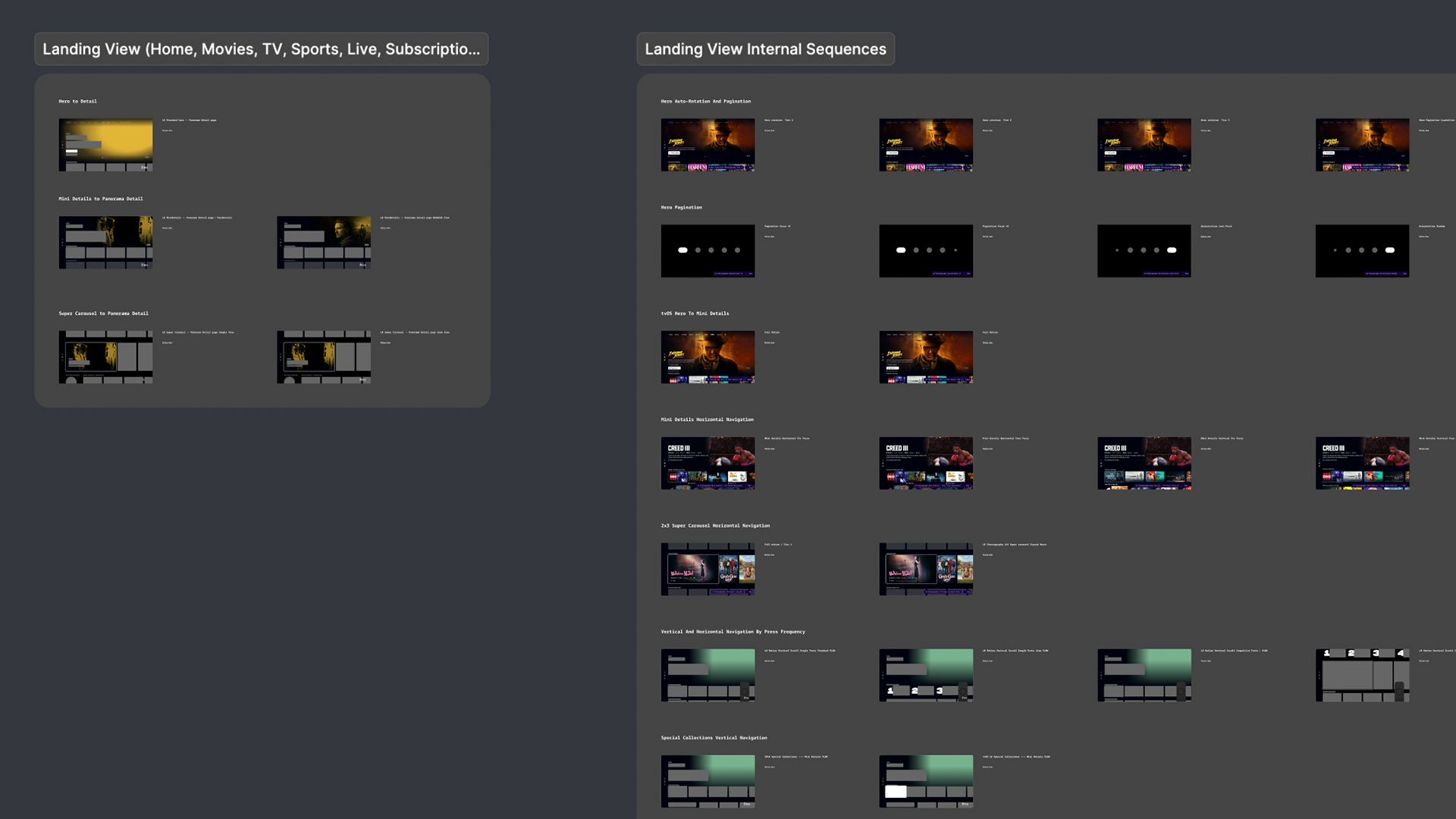
There was a good amount of basic and contextual info that needed to be attached to designs for new features to make it easy for engineers to understand and extract animation data. One issue is just simply being able to find the features you need to review in a Figma file of over 500 motion demos and specs. So at the end of the project, we spent about a week getting the file organized and searchable for users.

When adding new features, we followed a system for defining animation sequence states (e.g., enter, exit, loop, etc.), naming elements, adding links to source designs, adding demos at normal and slow speeds, and linking elements to their animation data in sequence timelines. The outcome was a design system that was much easier for engineers to reference, and much easier for designers to update.
Feature summaries
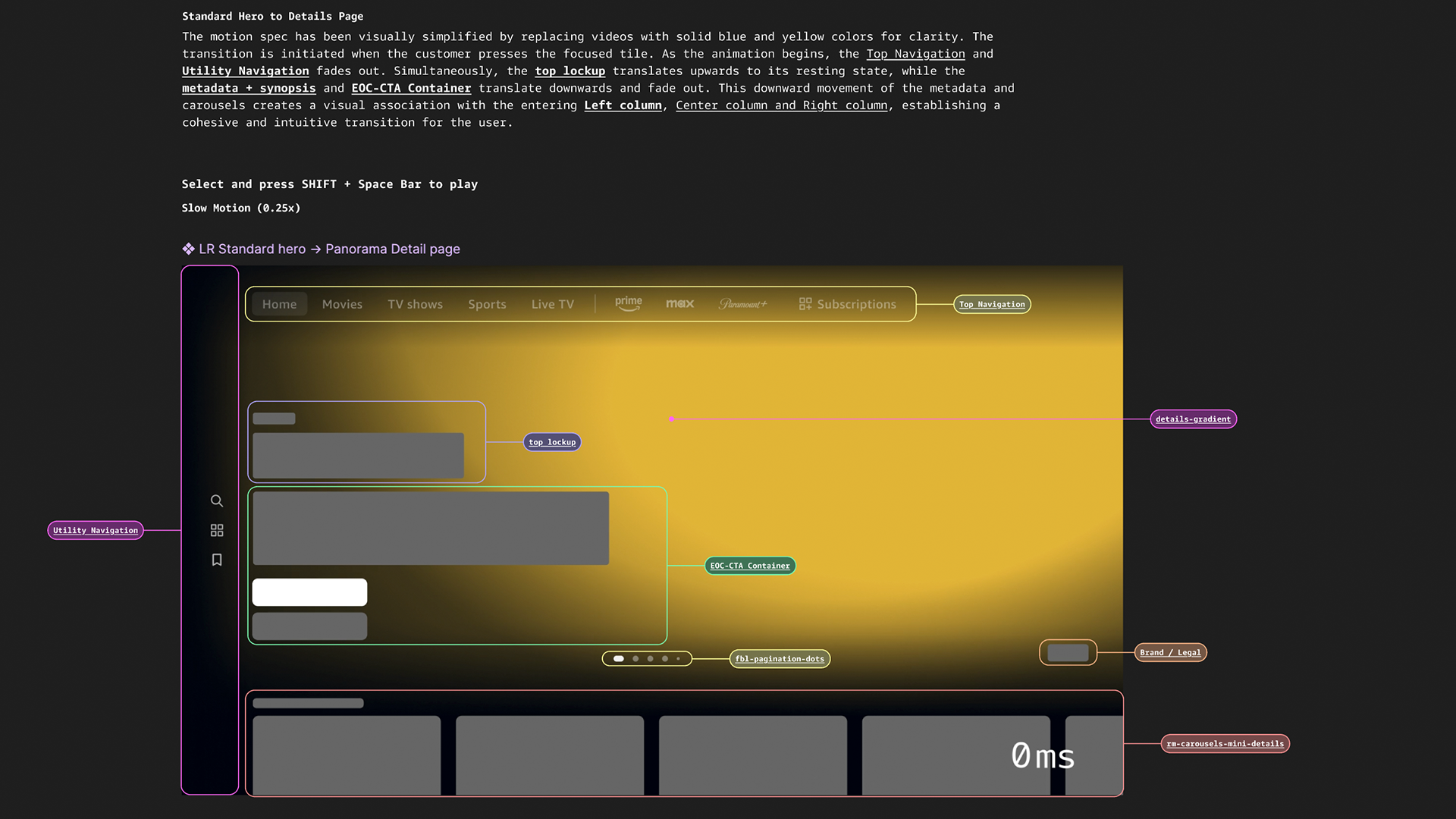
A sample of the basic and contextual info for a feaure.
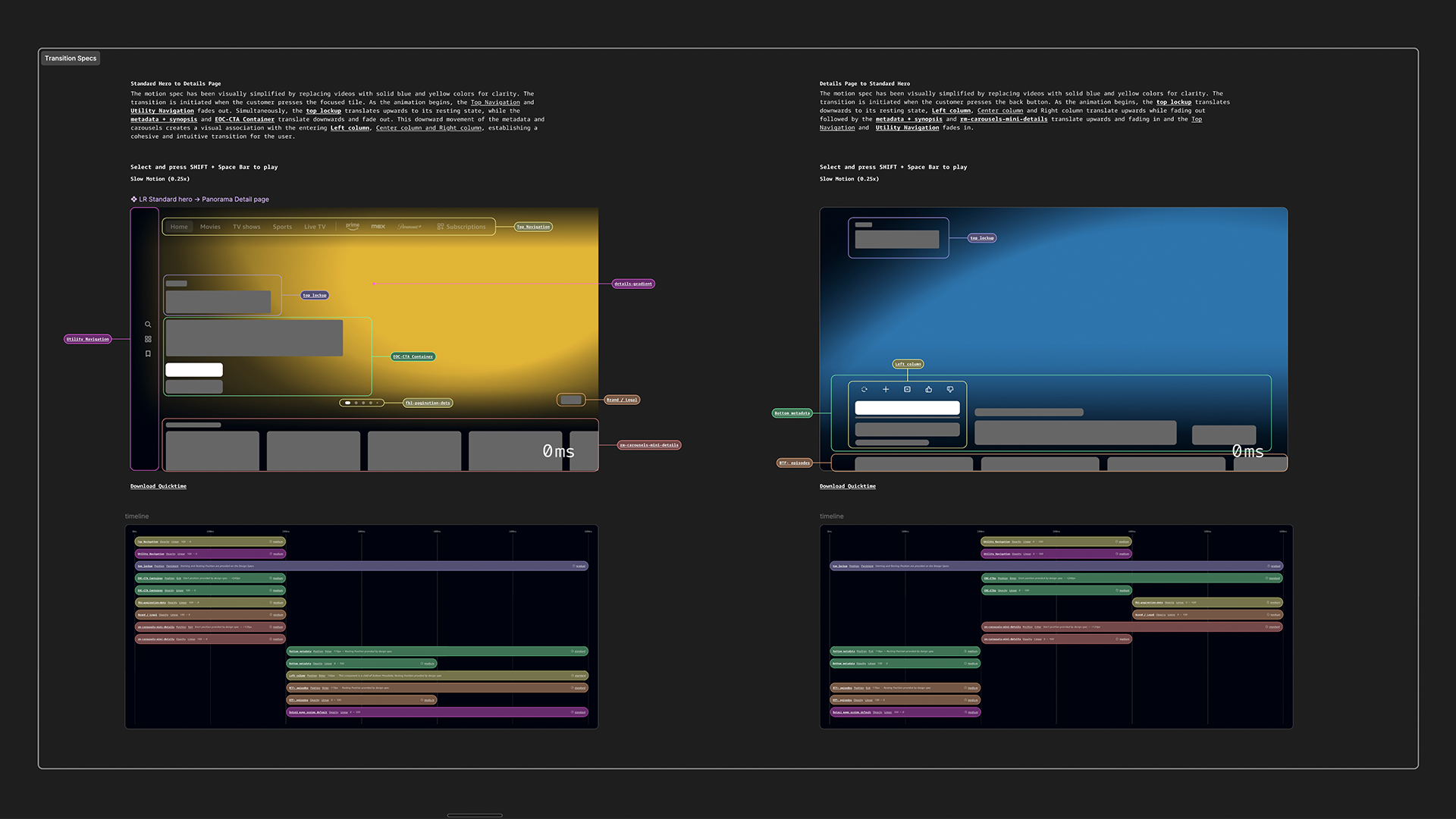
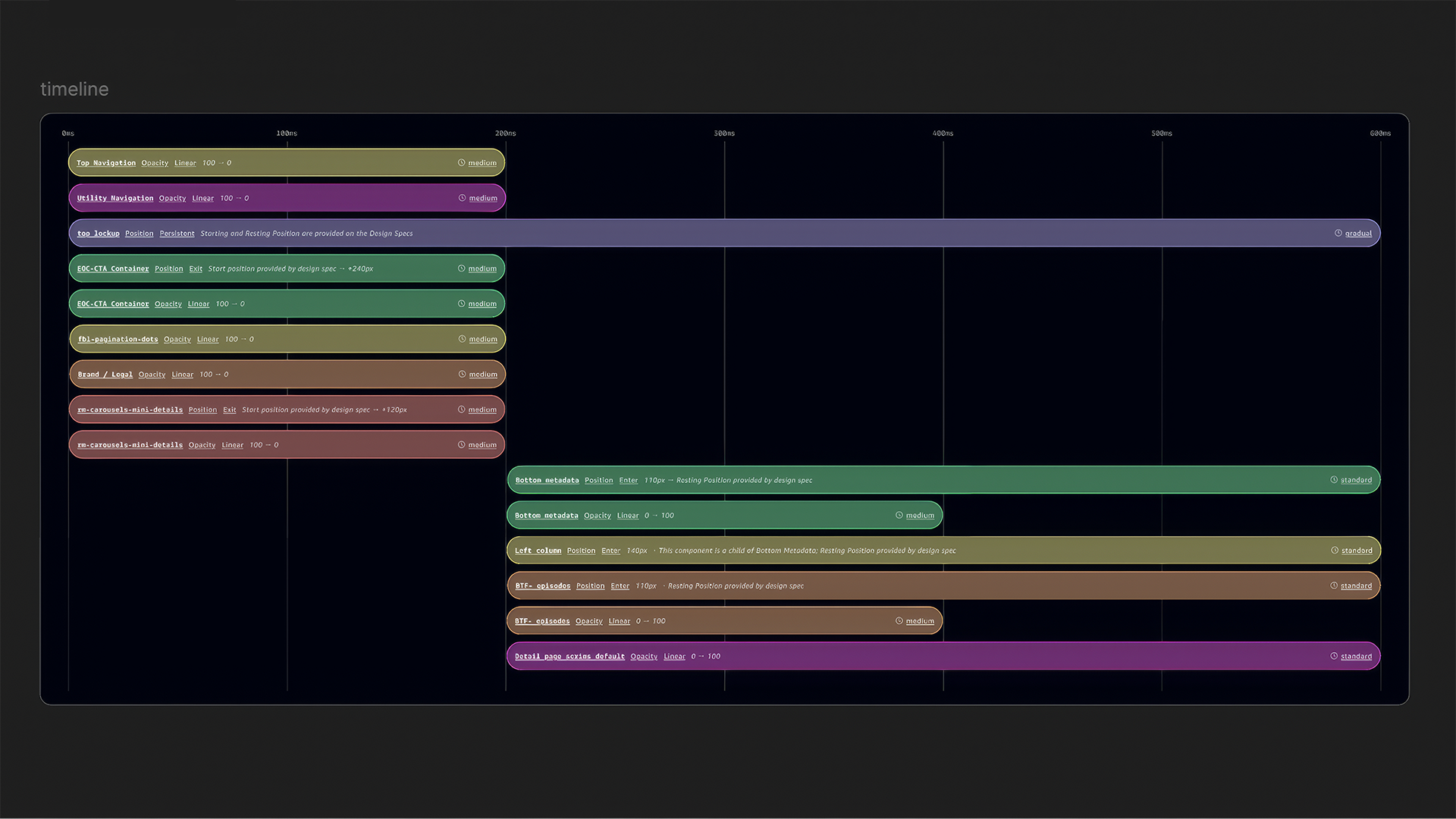
Motion sequence timelines
These sequence timelines are where the most important data for engineers are contained. Each timeline event names the element it represents, parameter to animate, easing curve token, timing token, and required data values (percentages, position moves, etc.).

A critical enhancement we made to this part of the workflow was adding a custom plugin that made it easier to copy animation data from After Effects to Figma.

Multiview And Augmented Content Feature Releases

Customizable multiview streaming (having different streams playback simultaneously) quickly became a must-have feature for the top streaming services that have live sports broadcasts. Prime Video, in its third year of streaming NFL games and first year with NBA, needed the feature to keep the experience on-par with Youtube TV and other streamers with live sports. Our job was to get the feature designed and released for Prime Video mobile and living room experiences.

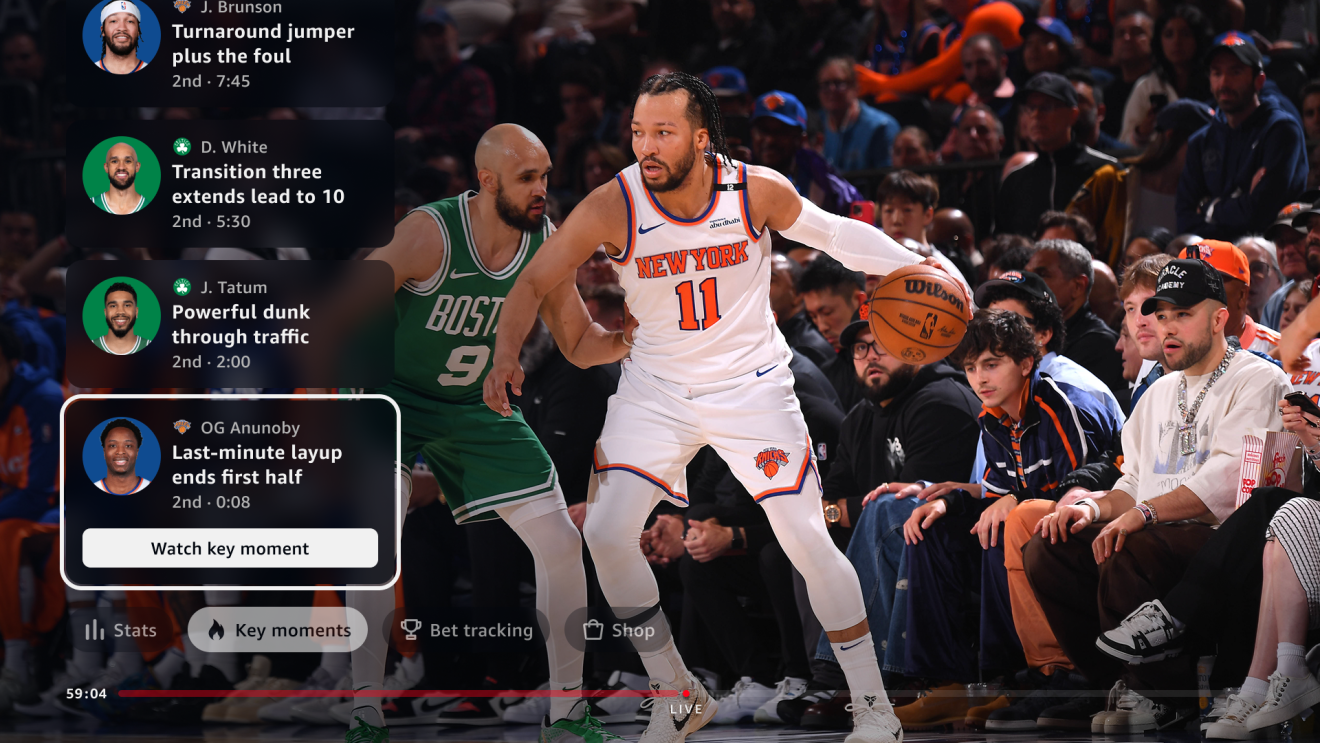
Our task with augmented content was to expand and adapt the feature for enhanced live sports streaming functionality, specifically for NBA games. We upgraded the existing augmented content UI design to support betting, new playback options for game highlights, and a new set of game stats.

View some of the motion design demos below along with a few screenshots. For more info, you can read a press release for the features here.

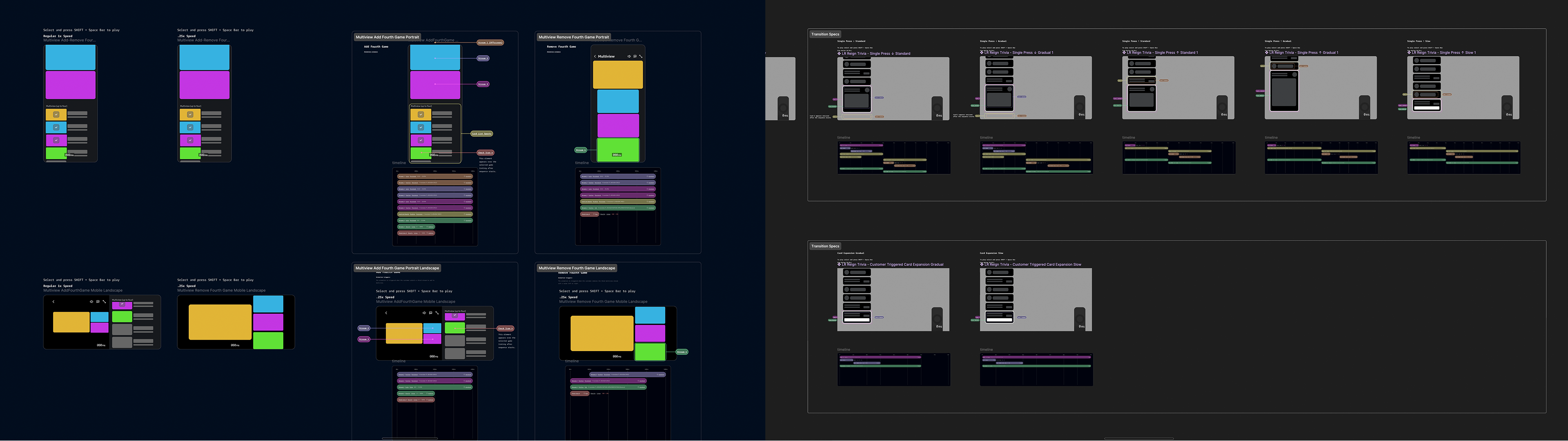
A small sample of multiview motion design spec demos at 0.25x speed
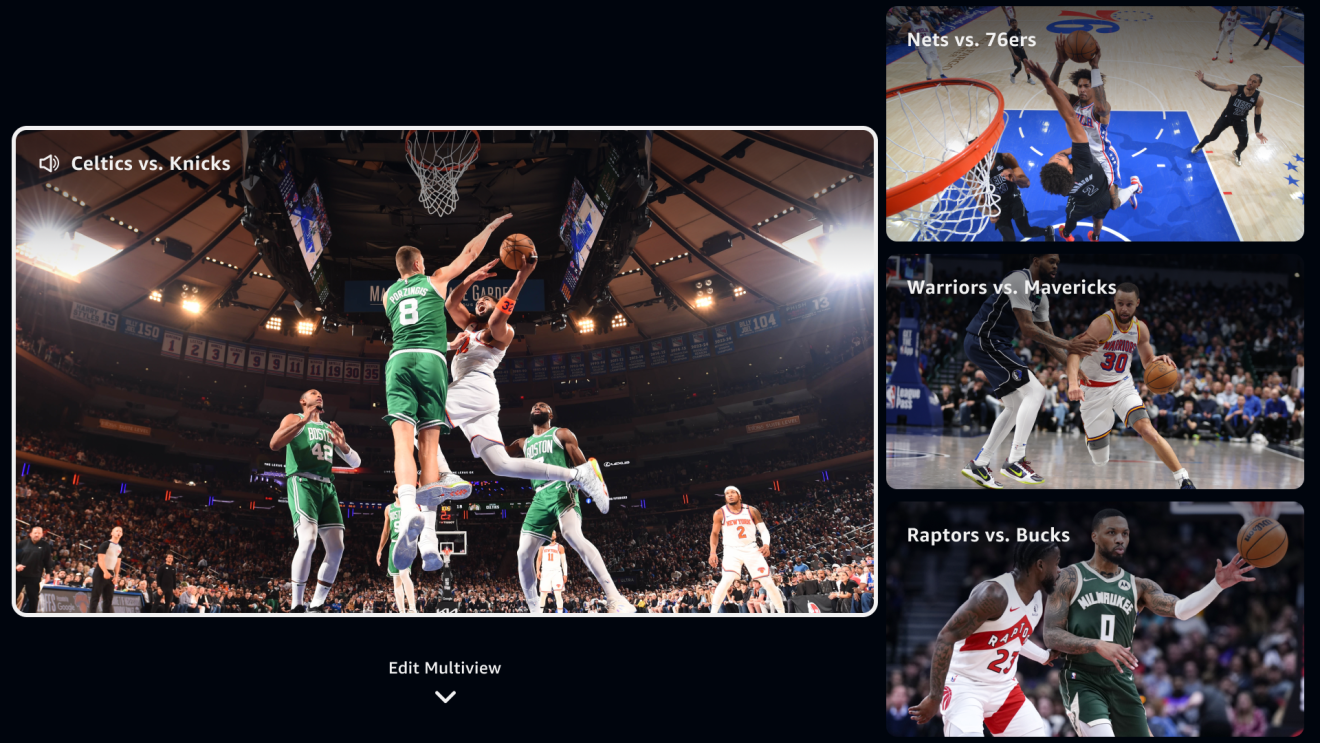
Multiview press release screenshot
An augmented content motion design spec demo at 0.25x speed
Augmented content press release screenshot

Other Design Samples

Other features that I spent about half of my project time on for motion specs were immersive title detail views, special collection listings, trivia, ad units, etc. For the sake of brevity, you can play the demo videos below for a look at a small selection of that work.
Landing hero → immersive detail title view transitions (at 0.25x playback speed)
Special collections scrolling states and transition to detail title view (at 0.25x playback speed)

Outcomes

The obvious and most important outcome from our work was removing the motion design bottleneck and accelerating the release so that the highest priority features would be ready for key platforms by the start of the NBA season (the most ideal timing for getting views and engagement for the new features).

Another important outcome from the project was the time taken to refine the motion design-to-handoff process. The motion design system had grown into an unwieldy collection of specs after a few years of different designers adding to it, so the pruning, organization, tool development, and other refinements we made to fast-track feature development also improved the usability and sustainability of the overall system.